The operating system for freelancers who want better opportunities and less noise.
Monitor jobs across Kwork and Upwork, keep filters in one place, draft proposals faster, and get notified when relevant work appears on supported platforms.
Kwork + Upwork
Live workspaceWorkspace at a glance
All the essential tools for monitoring, filtering, and responding to jobs in one place.
Saved filters for matching opportunities
Telegram alerts for relevant jobs
AI proposal drafts from job details
Features
Everything you need to stay ahead of the next opportunity
A single workspace for monitoring jobs, filtering opportunities, and preparing proposals faster.
Job monitoring
Track new opportunities in one workflow instead of checking every marketplace manually.
Saved filters
Keep reusable search presets for platforms, budget ranges, and keywords.
Telegram alerts
Receive compact notifications for jobs that match your saved filters.
Proposal drafts
Generate, edit, and copy client-ready proposal drafts from job details.
Workflow
A simple path from sign-up to proposal draft
Keep your attention on the opportunity instead of switching between tabs and tools.
Create your account
Register and open the workspace with your profile, filters, and job feed.
Set saved filters
Define what matters: keywords, budgets, platforms, and notification preferences for Kwork or Upwork.
Review matches
Browse active jobs, open details, and inspect the best-fit opportunities.
Draft proposals
Generate a proposal draft, edit it, and copy it when you are ready to send.
Platforms
Built around the places where work already happens
Kwork and Upwork are live today, with the workspace prepared for future marketplaces later.
Kwork
Currently supported for live job intake and account connections.
Upwork
Supported through a separate scraper pipeline and live workspace connection.
Unified workspace
One cabinet for jobs, filters, proposals, alerts, and browser sessions.
Workspace snapshots
See the cabinet in action
These screens show the core flow: alerts, jobs, client context, metrics, and AI drafts.
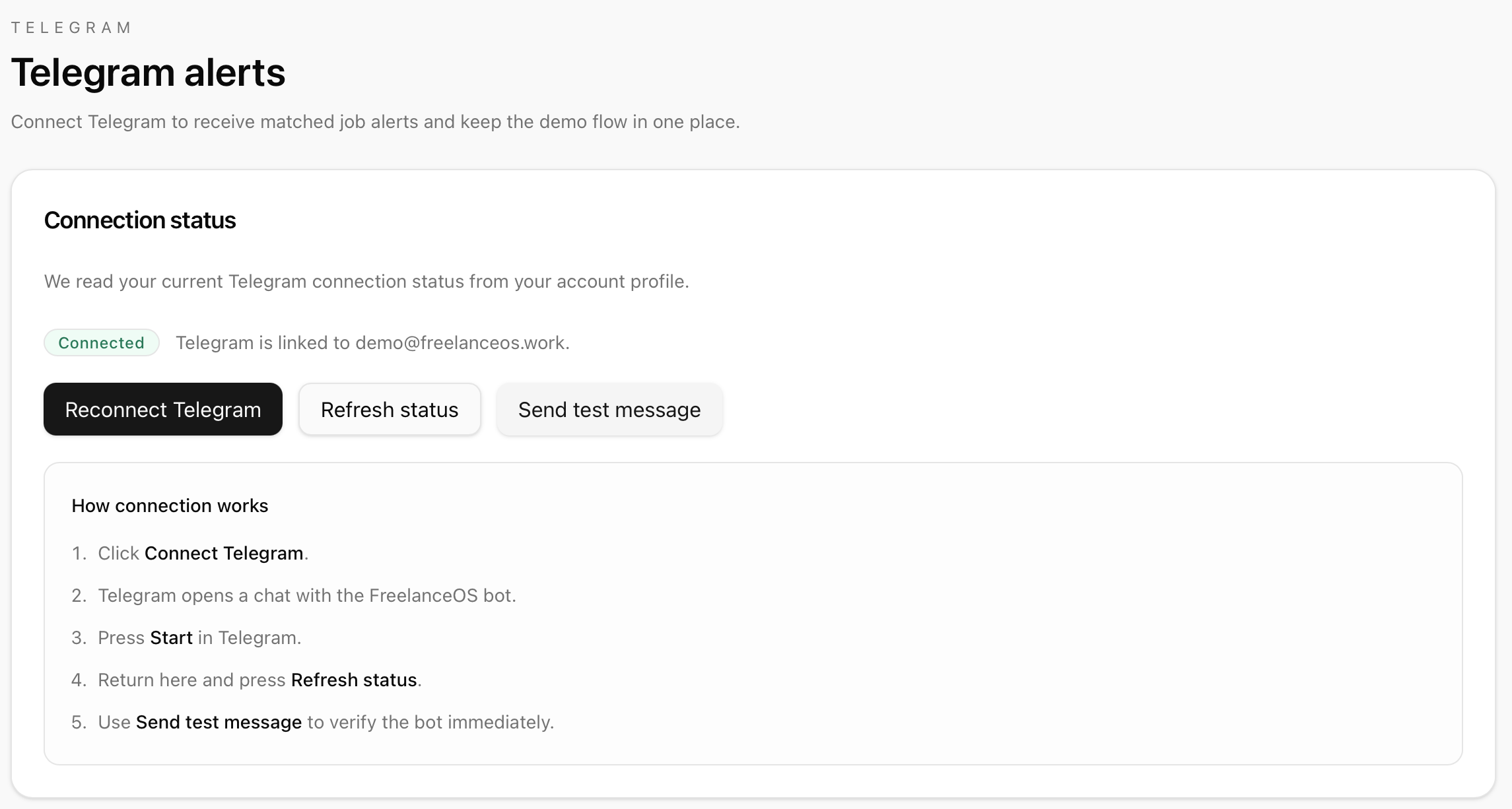
Telegram alerts
Matched jobs are delivered to Telegram with context and direct links back to the workspace.
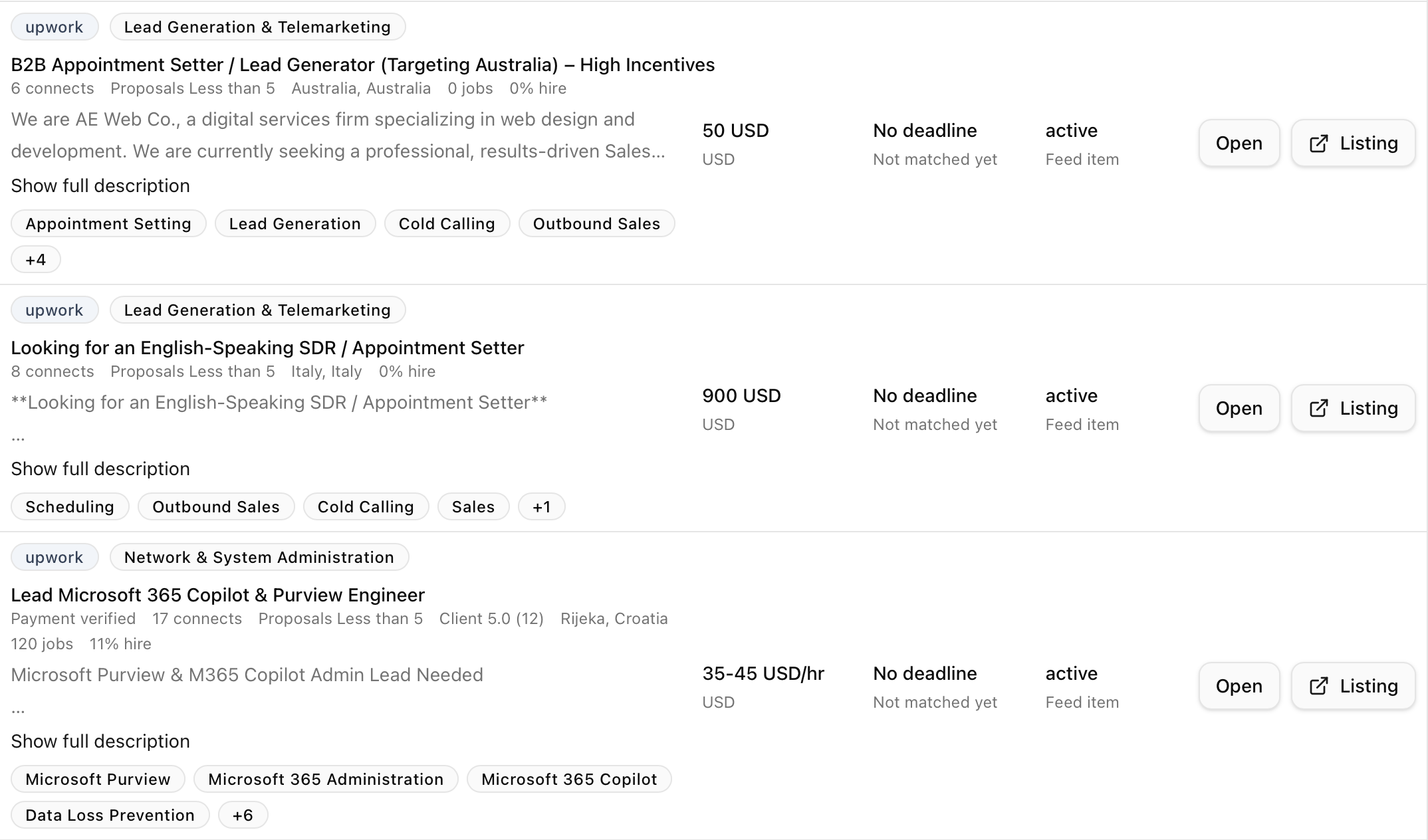
Job feed
Browse active jobs in one clean list and move between openings without losing context.
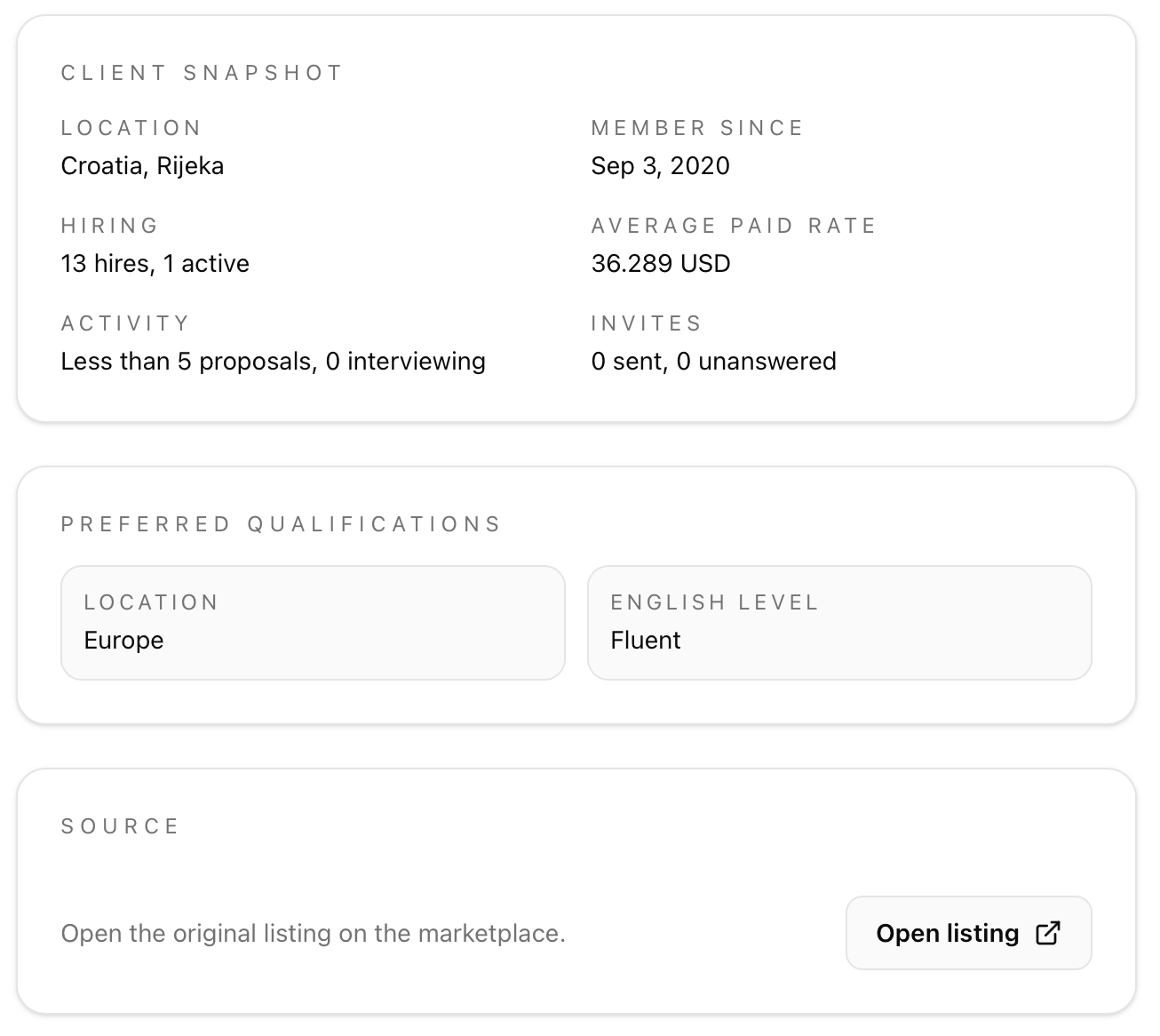
Client context
See hiring history, location, and client activity before you spend time on a proposal.
Task metrics
Review budget, connect counts, hire rate, and the skills required for each opportunity.
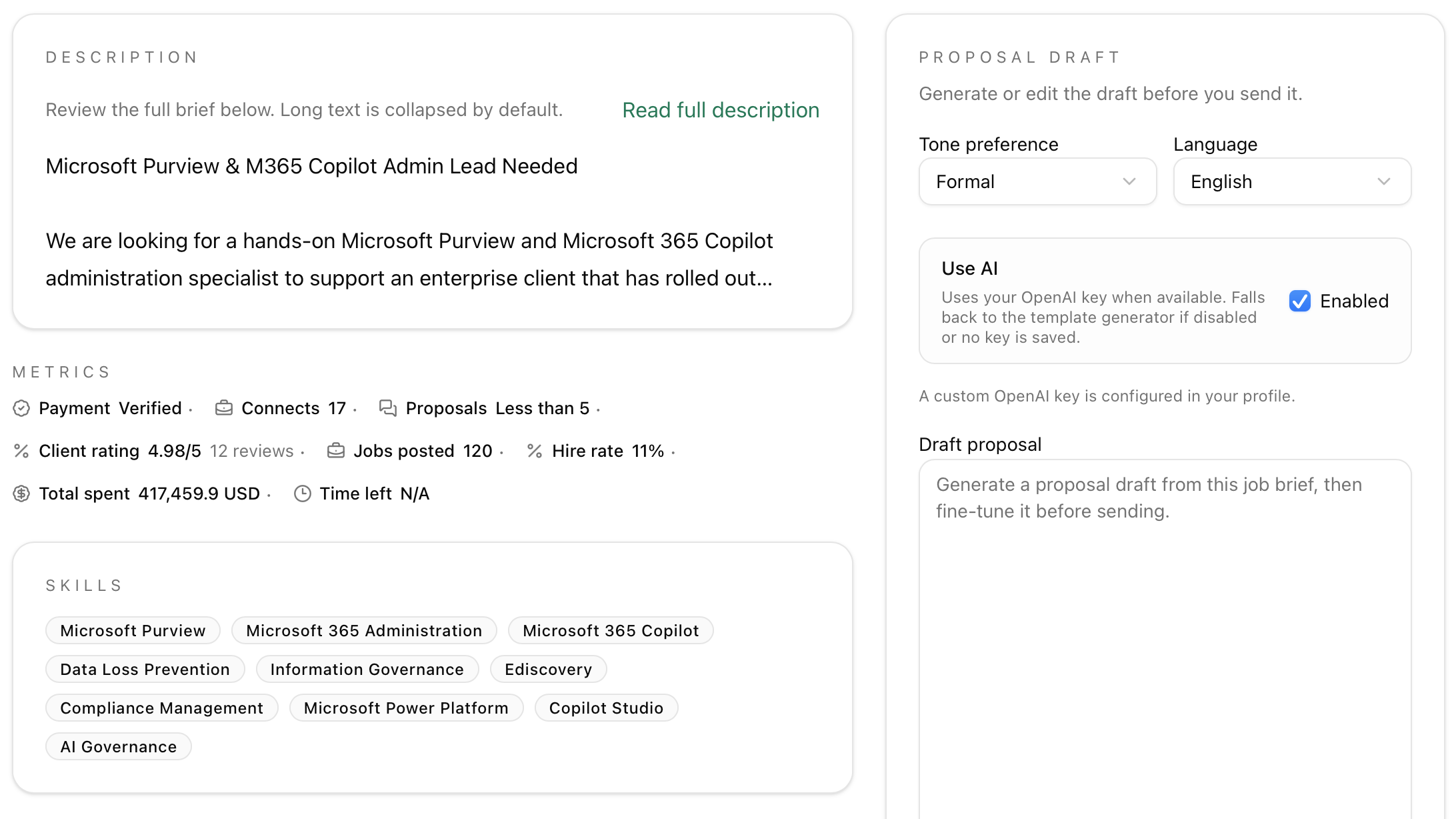
AI proposal drafts
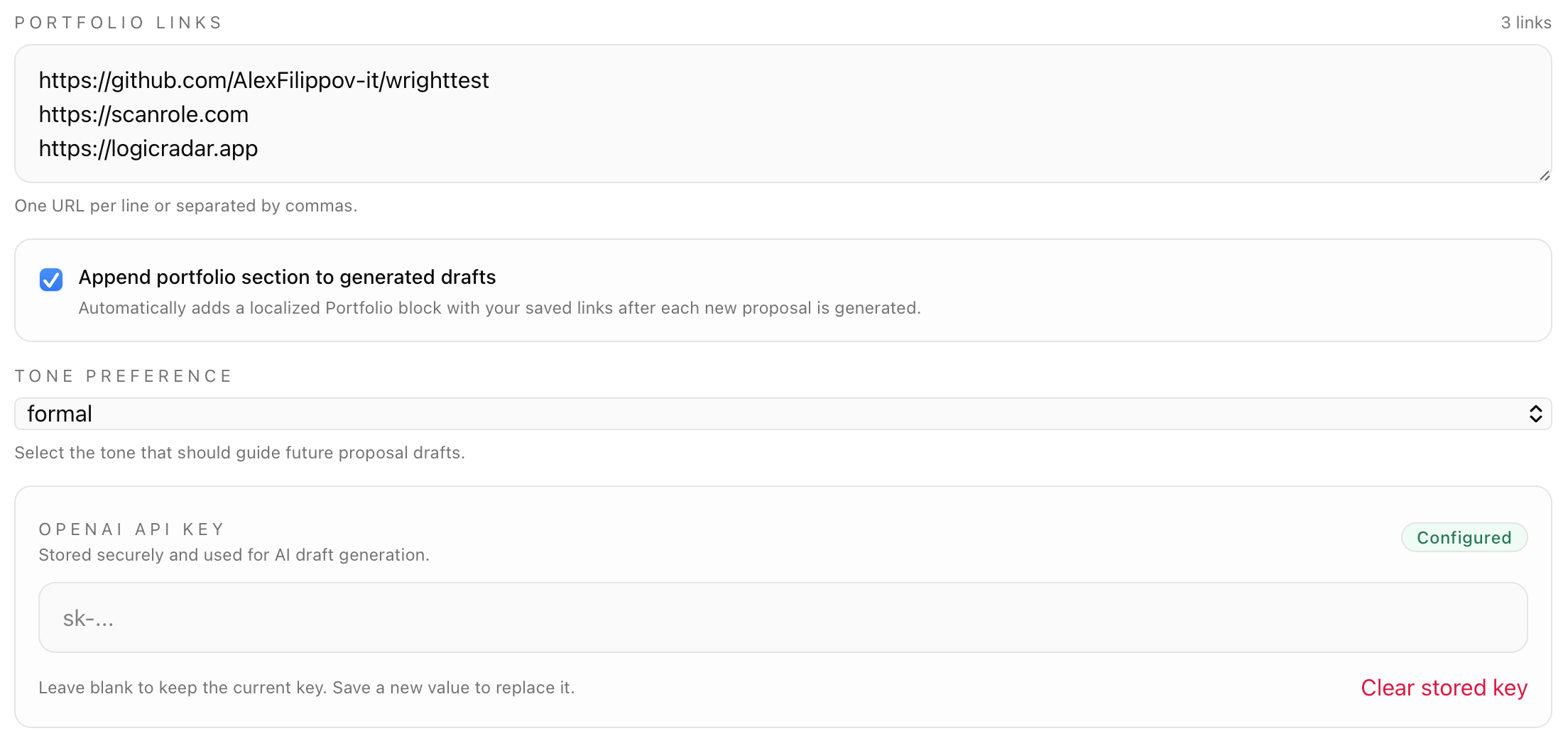
Generate a draft with your own OpenAI key and refine it before sending to the client.
More tools for independent developers
Ship client web apps with fewer UI regressions
FreelanceOS helps you find the next opportunity.
WrightTest helps you keep the web applications you deliver working.
Record critical user flows, run them automatically, and inspect failed steps with screenshots and traces.